
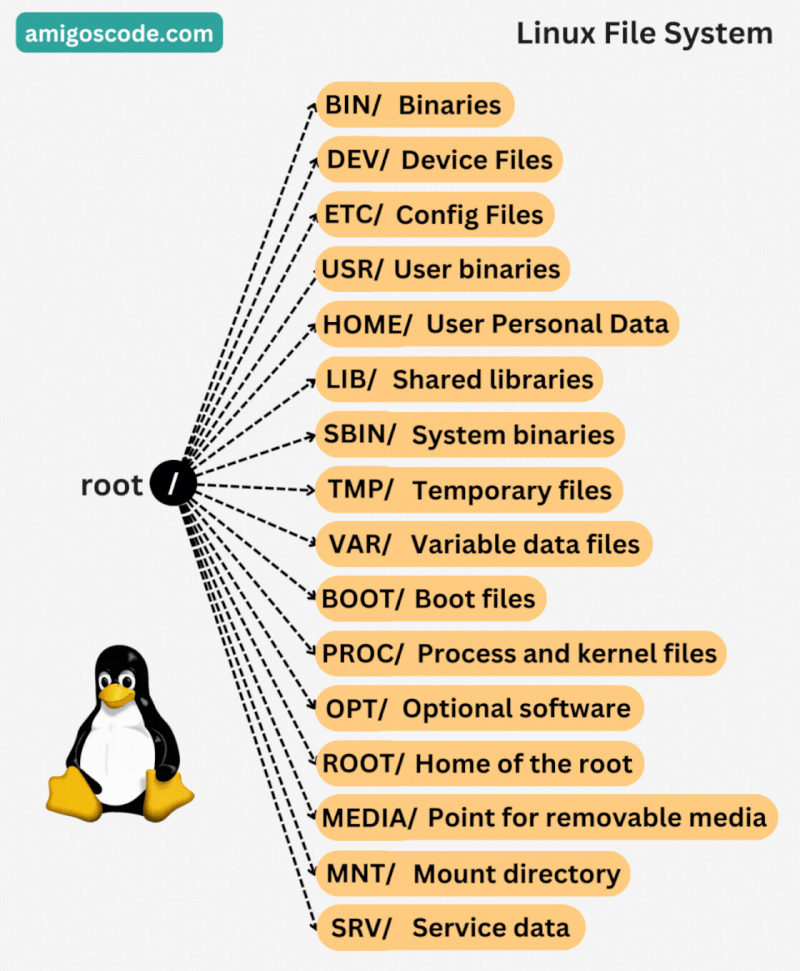
Here are some of the main directories you would typically find in a Linux file system, starting from the root (/) directory:
- /bin: Essential binary files and commands required for system booting and repairing.
- /boot: Boot loader files, kernel images, and other boot-related files.
- /dev: Device files representing hardware devices connected to the system.
- /etc: Configuration files for system and application settings.
- /home: Home directories for regular users.
- /lib and /lib64: Shared library files required by system and application binaries.
- /media: Mount point for removable media devices like USB drives.
- /mnt: Temporary mount point for additional file systems.
- /opt: Optional software packages and applications.
- /proc: A virtual file system containing information about running processes and system status.
- /root: Home directory for the root user (superuser).
- /run: Runtime data files that are volatile and may be deleted on reboot.
- /sbin: System binaries and commands primarily used by the root user.
- /srv: Data for services provided by the system.
- /sys: A virtual file system exposing information about devices, drivers, and kernel parameters.
- /tmp: Temporary files and directories that may be deleted after a system reboot.
- /usr: User programs and data, including subdirectories like /usr/bin, /usr/lib, and more.
- /var: Variable data files, including logs, spool files, and temporary data
This is not an exhaustive list, and there might be additional directories depending on the specific distribution and system configuration.
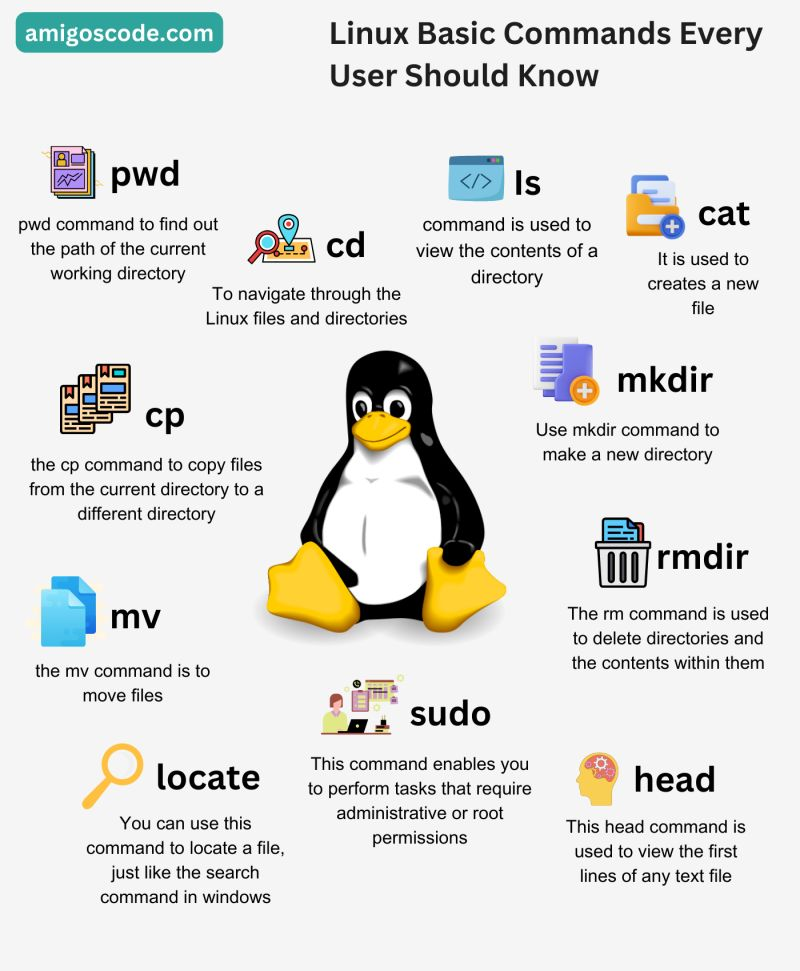
Basic Linux Commands YOU SHOULD KNOW